SmartBand Quick Start and User Guide
Perfect, we imagine you are wondering what the next steps are. It's very easy. Let's begin.
Charging
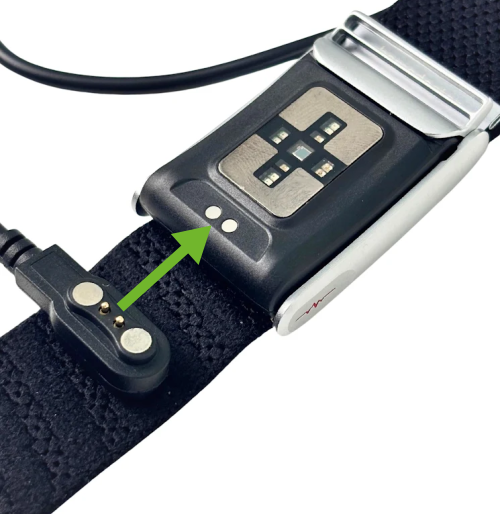
Connect the magnetic charger to your SmartBand. The wristband will vibrate or light up with a red LED. When charging is complete, the LED will turn off.
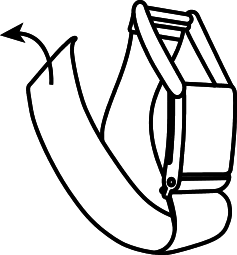
Fitting
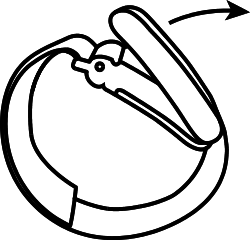
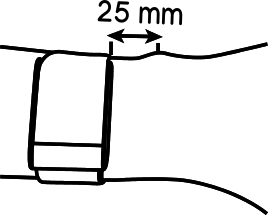
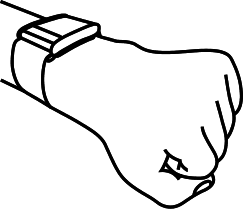
Place the wristband on your wrist, with the clasp facing your thumb. It is recommended to position the wristband 2.5cm from your hand, above the wrist bone, with a firm but comfortable grip that does not squeeze.
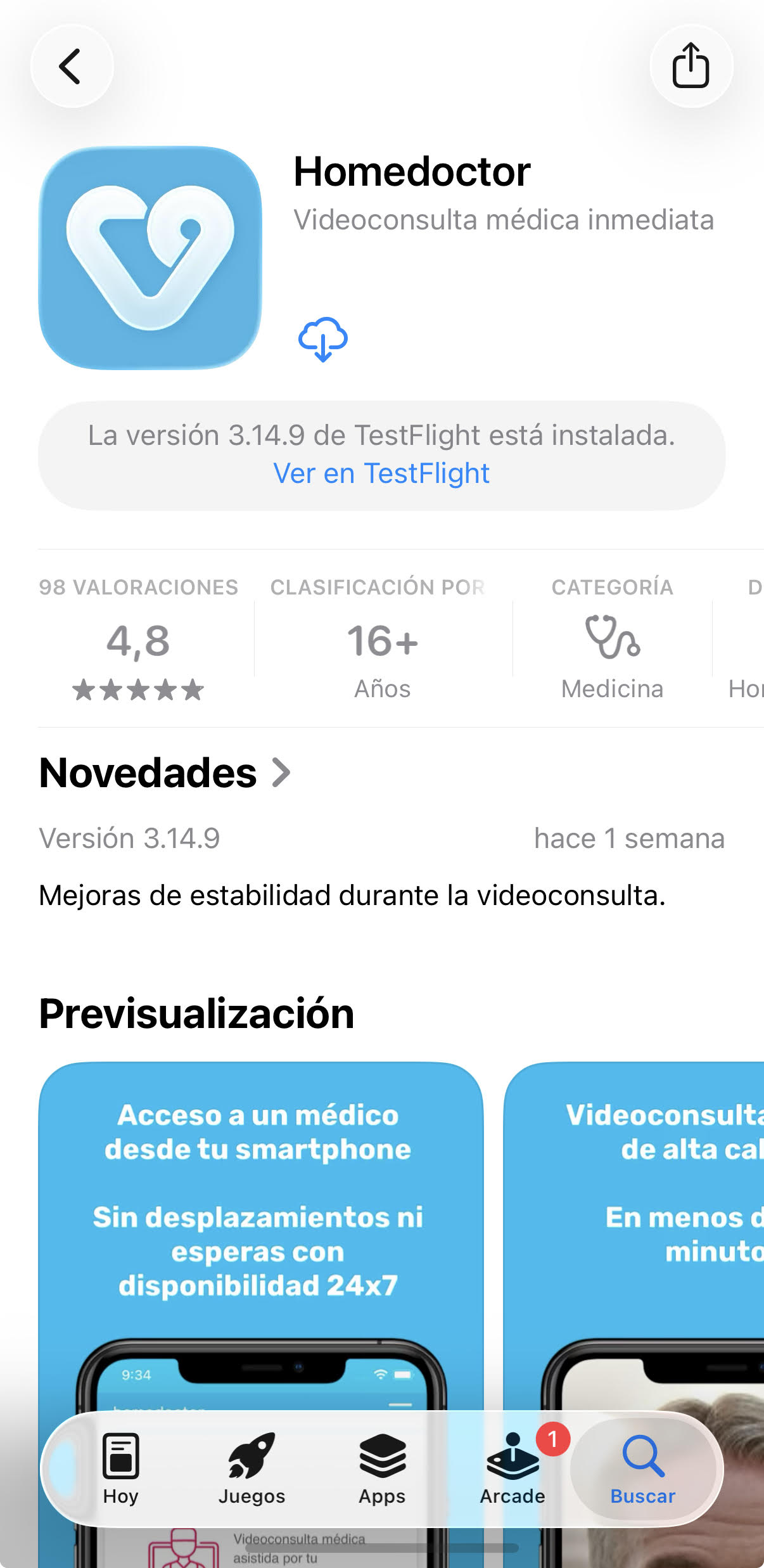
First. Download the APP.
Download the APP for iOS or Android by clicking the links or buttons on the right.
Download the APP for iOS or Android by clicking any of these links.
Android

iOS

iOS
Android
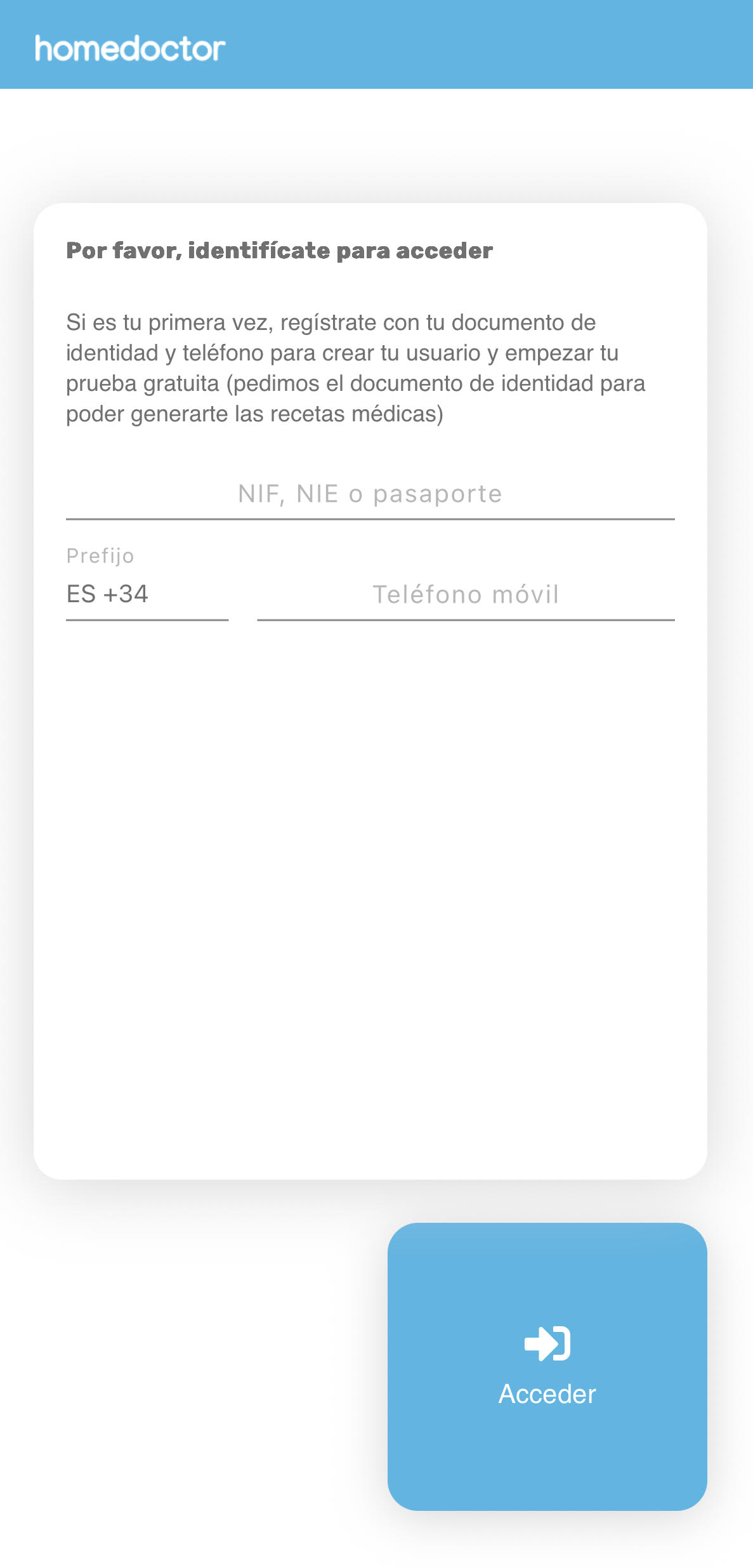
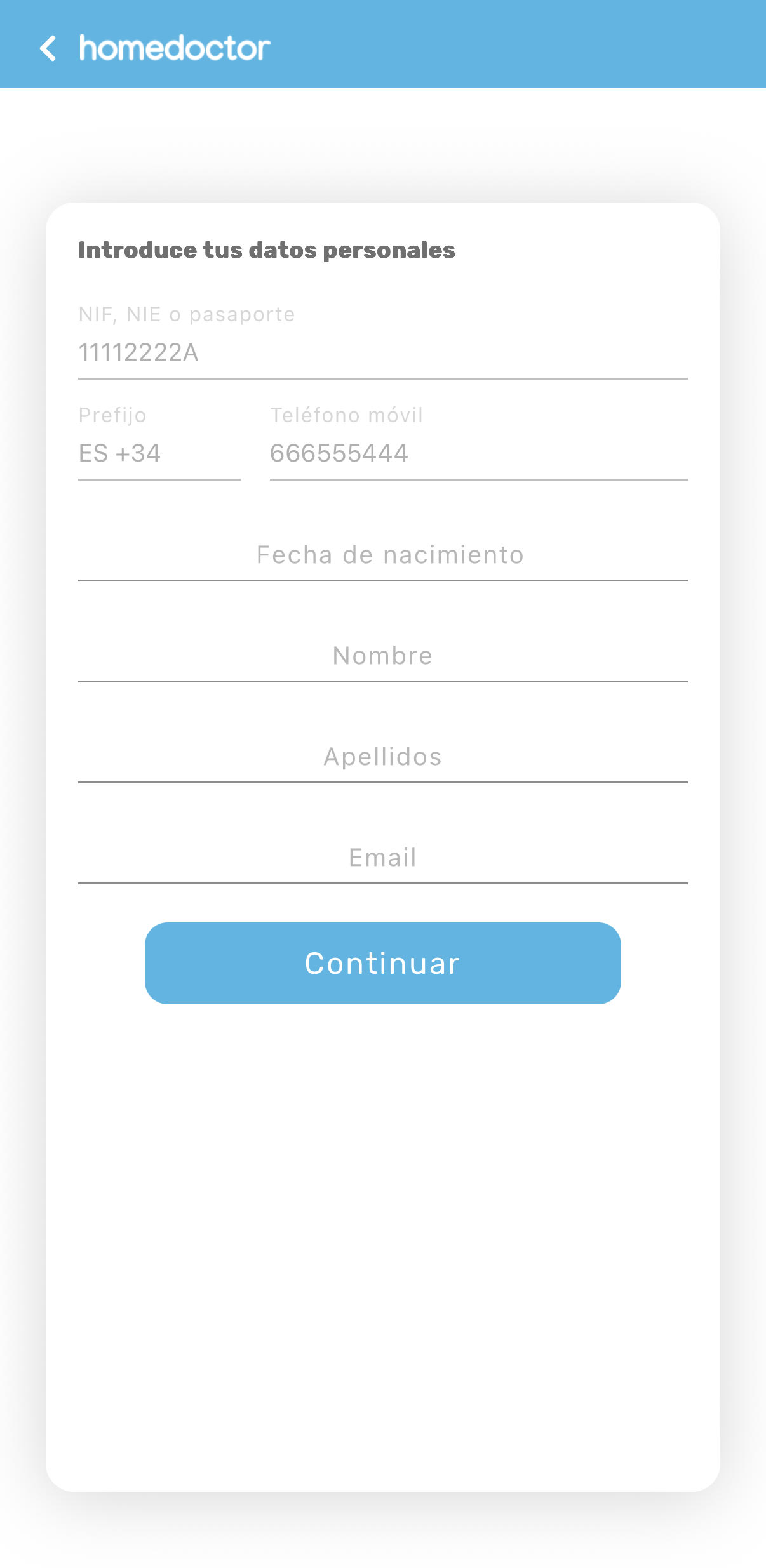
Second. Log in.
It will ask for your phone and National ID to check if you are already registered. We know providing an ID is a bit tedious, but it is important to save your health data and be able to issue valid pharmacy prescriptions.
If you were not previously registered*, you will be asked to enter your name, surname, date of birth, phone, and email.
* Registered users are those who have previously registered, made a web contract, or been registered by another user within their subscription.
Third. Verification.
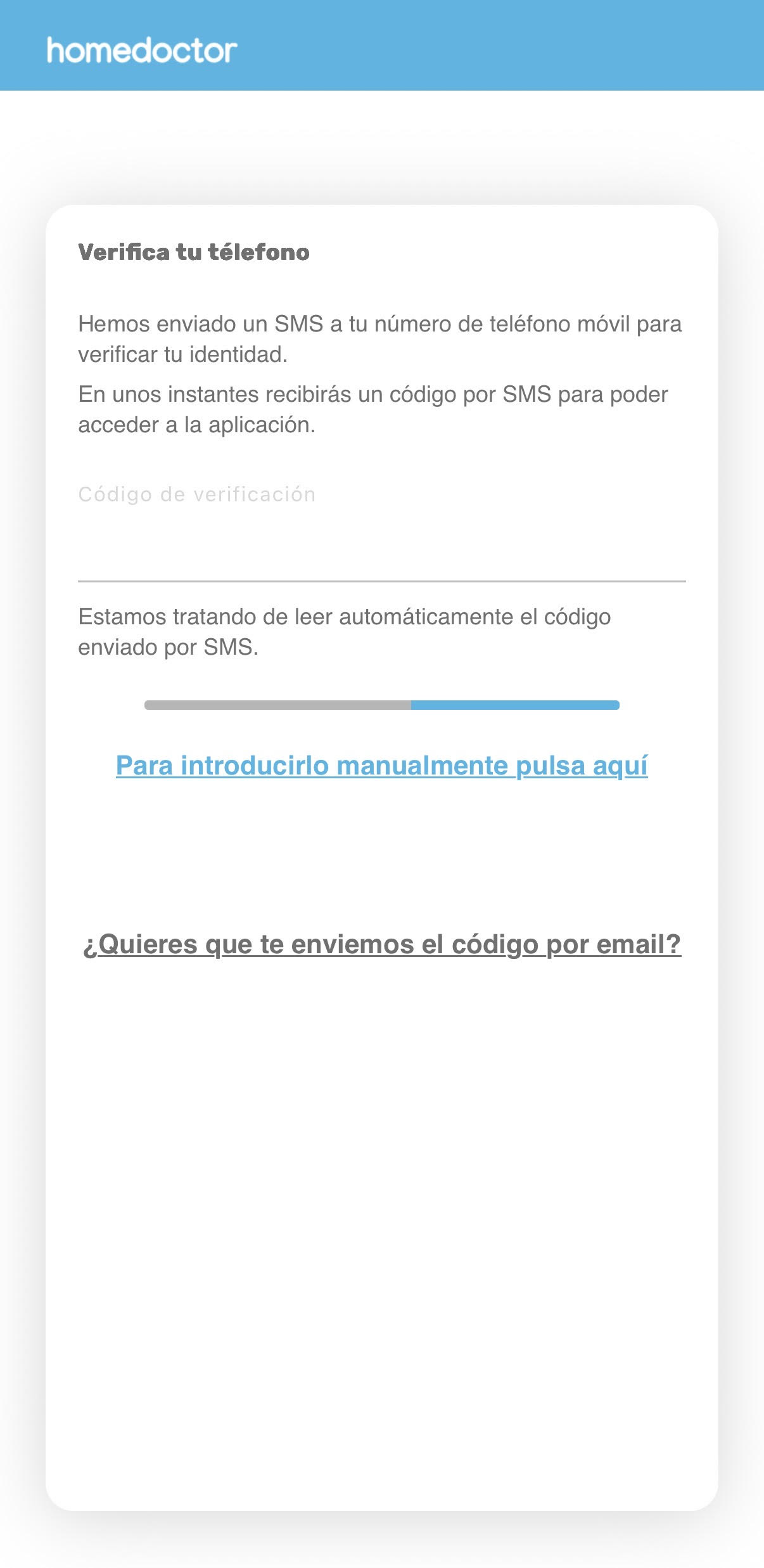
Security comes first. We will send you an SMS code to verify your phone number.
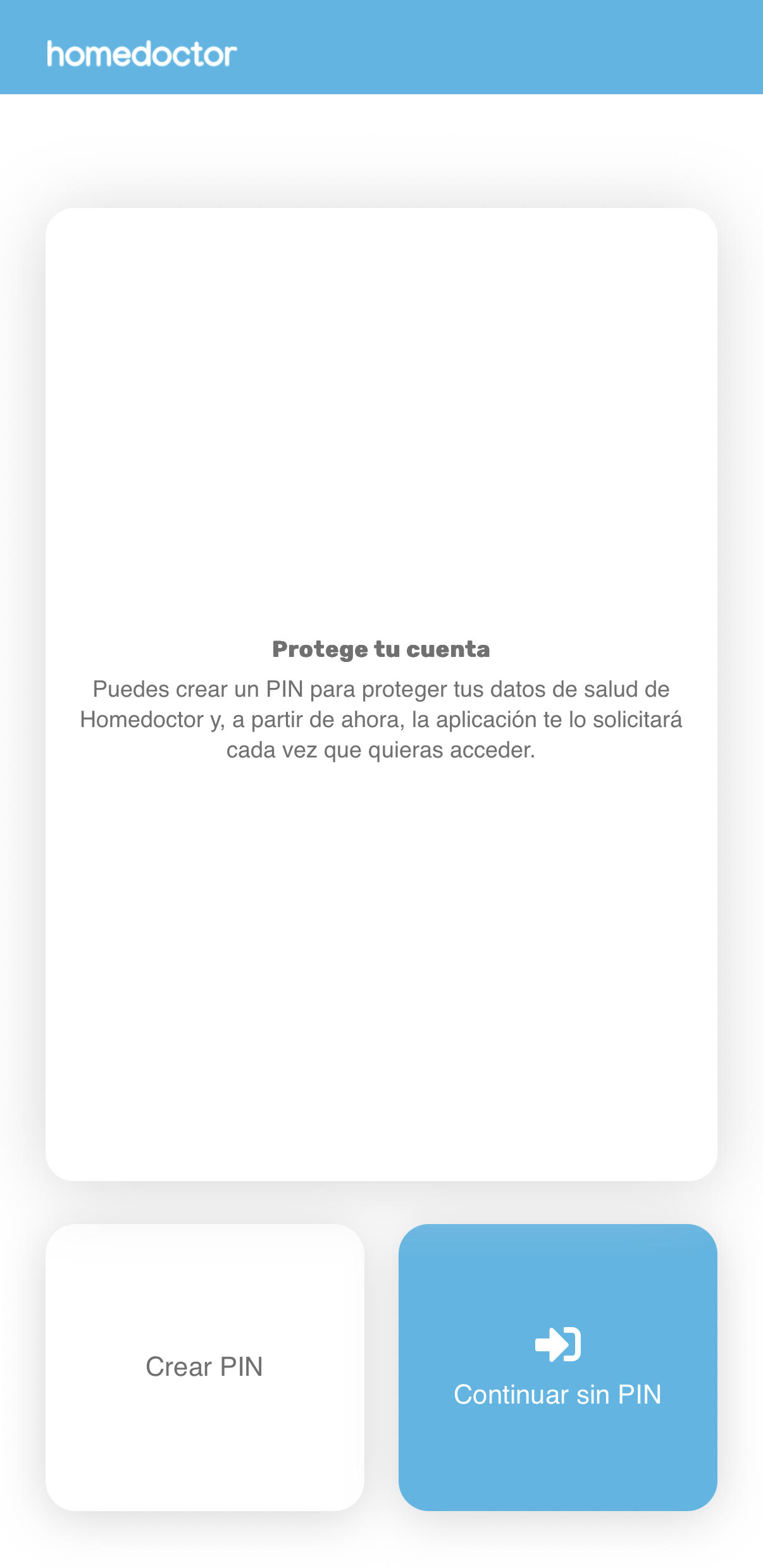
Fourth. Security.
Do you want to protect your information with a PIN code? Then click Create PIN. If you are not worried about anyone accessing your phone, you can continue without a PIN.
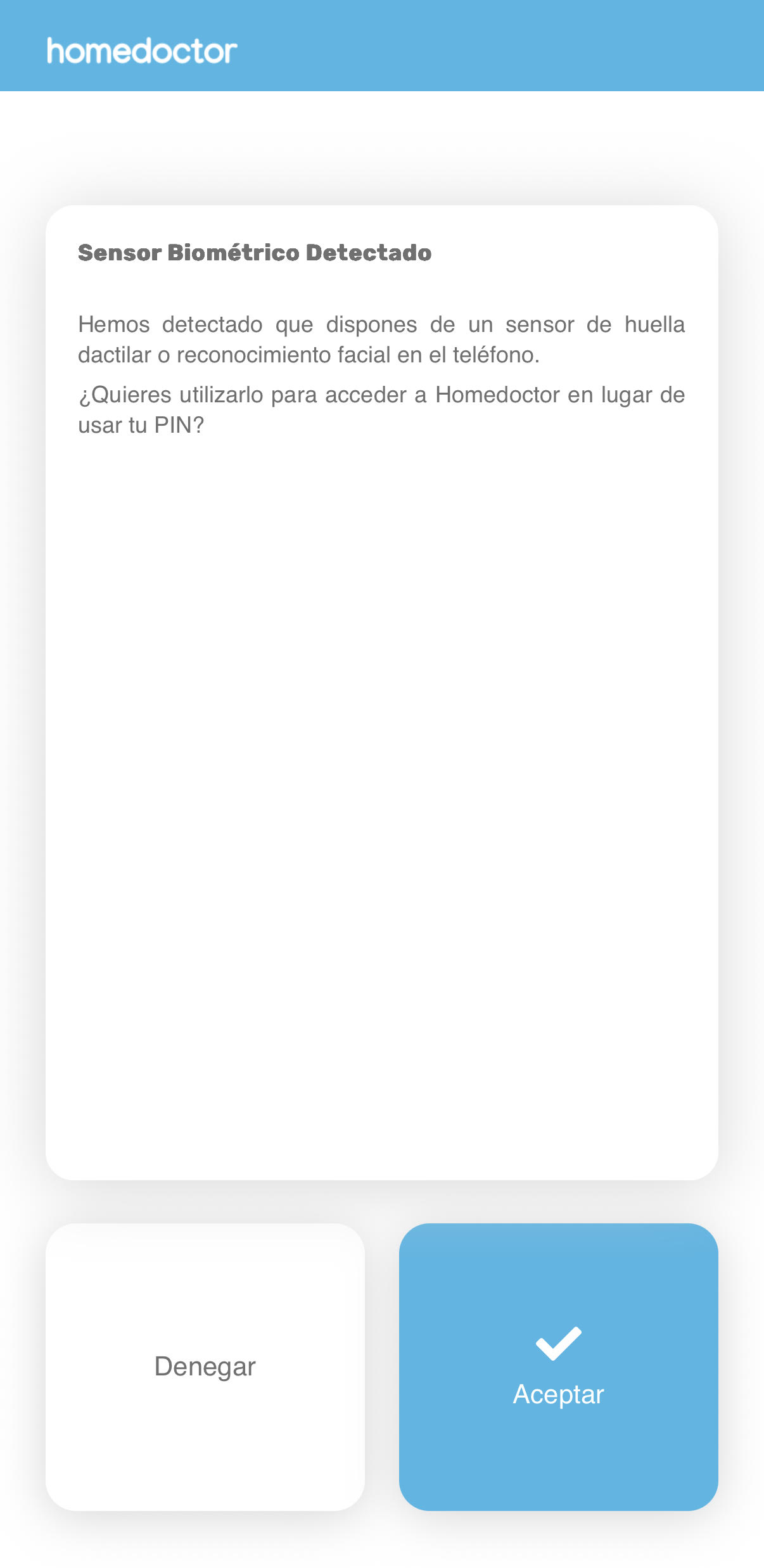
If you prefer, you can set up fingerprint or facial recognition access so you don't have to remember your PIN in the future.
Sixth. Enjoy.
Enjoy online medicine connected to devices. Measure your health whenever you want and connect with doctors if you have any questions about your health or measurement results.
For more information on using devices or medical services, visit:
✔ Secure app in compliance with GDPR
"Average rating of 4.8/5 ⭐ based on more than 10,000 consultations"
