
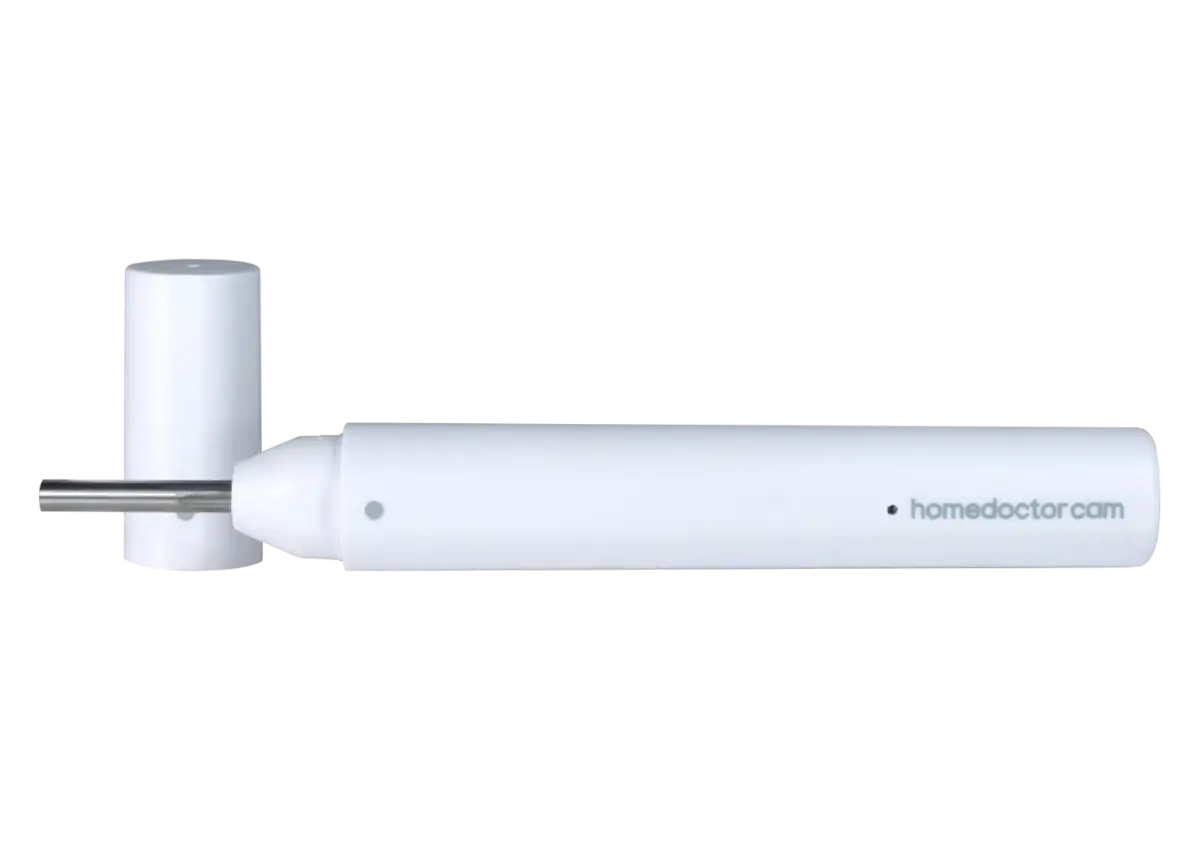
You use it
You take images through the app.
Ear
See it up close, with LED light.
Skin
A mole, a mark or a wound, magnified.
Your history
Every image, saved with its date.
In the app
What you see, saved in the homedoctor app.
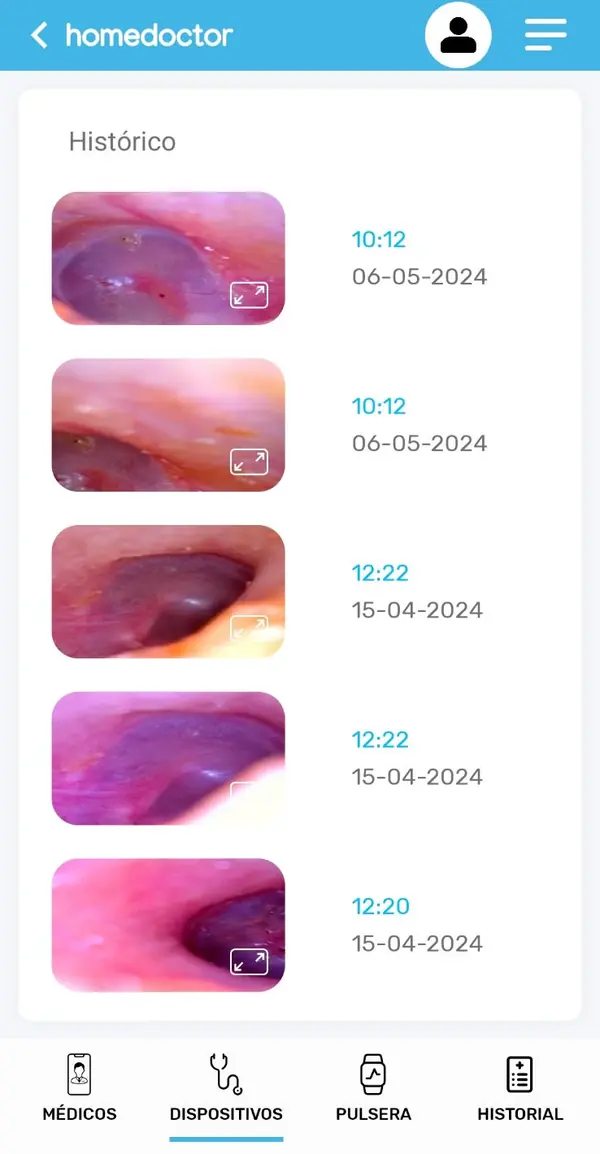
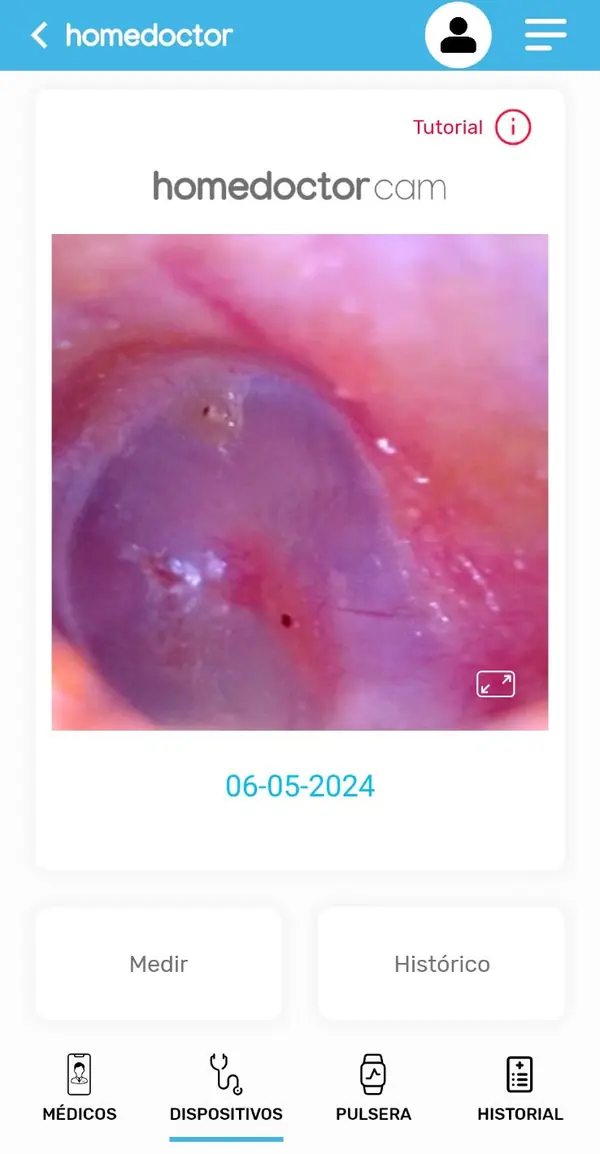
The image, up close
Your ear, skin or throat, magnified.
Your history
Every image with its date, to compare.
With your doctor
First what you do; your doctor, after.
During the video call
It connects during the consultation so your doctor sees you up close, at the same time as you.
It doesn’t analyze images
Your doctor does the assessing.
Not for emergencies
If there is any risk to life, call 112.
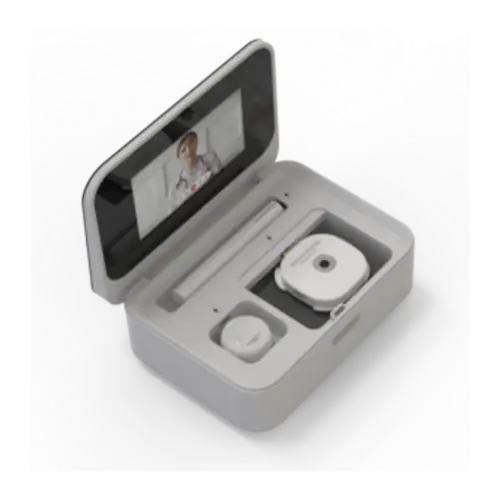
It goes in CareBox 3
It is stored and charged in the CareBox 3 tray, alongside Monitor4 and Stetho.
See CareBox 3In the box
- CAM
- Cables (iOS and USB-C)
- Micro USB adapter
- Manual
Specifications
- Purpose
- Seeing the ear and skin up close, for both the person and their doctor
- How to use it
- With the homedoctor app, plugged into your phone (Lightning, USB-C or micro USB with adapter)
- Phones
- Android 6 or iOS 9 and later
- Size and weight
- 134.5 × 17.8 mm, 24.5 g
- Camera
- 300,000 pixels (720p), 3.9 mm diameter, focus at 1.5–2 cm, 70°, 15 frames per second, LED light
- Battery
- Lithium, non-removable, over 500 charges; 5 V
- Charging
- On the charging base or via USB
- Protection
- IP22, type BF applied parts
- Use
- Between 15 and 35 °C; operated by an adult
Interested? We’ll call you
For now CAM isn’t sold on its own. Leave us your number and we’ll tell you how to get it, including if you’re calling on behalf of an organization.