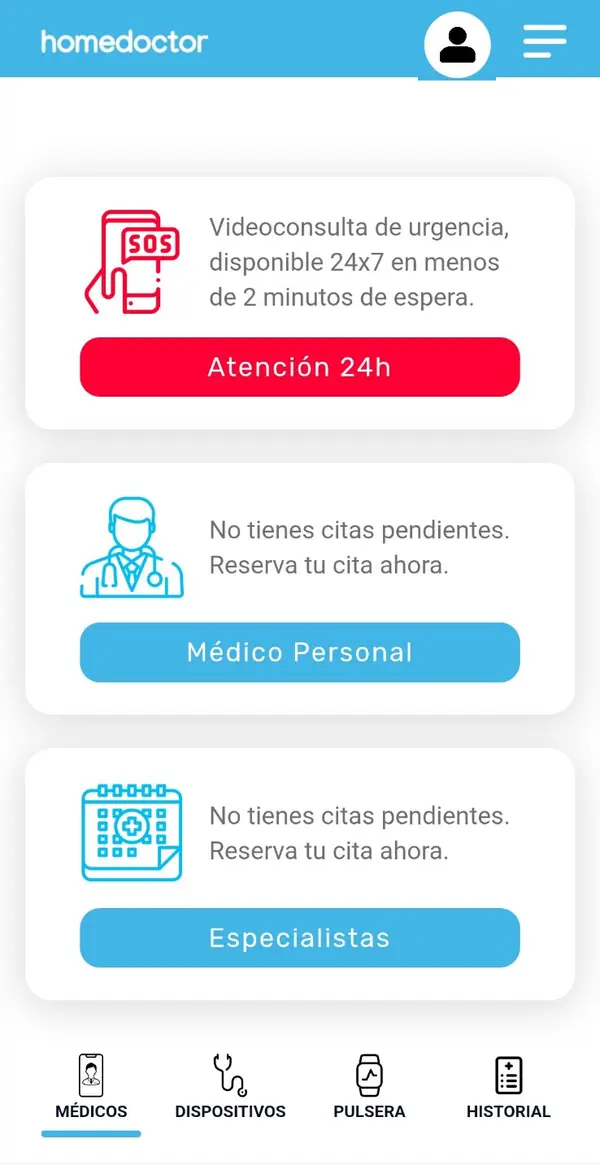
Download the app and get started
Have you just bought a homedoctor device or a service subscription? Great: you’re probably wondering what to do next. It’s very easy. Let’s begin.
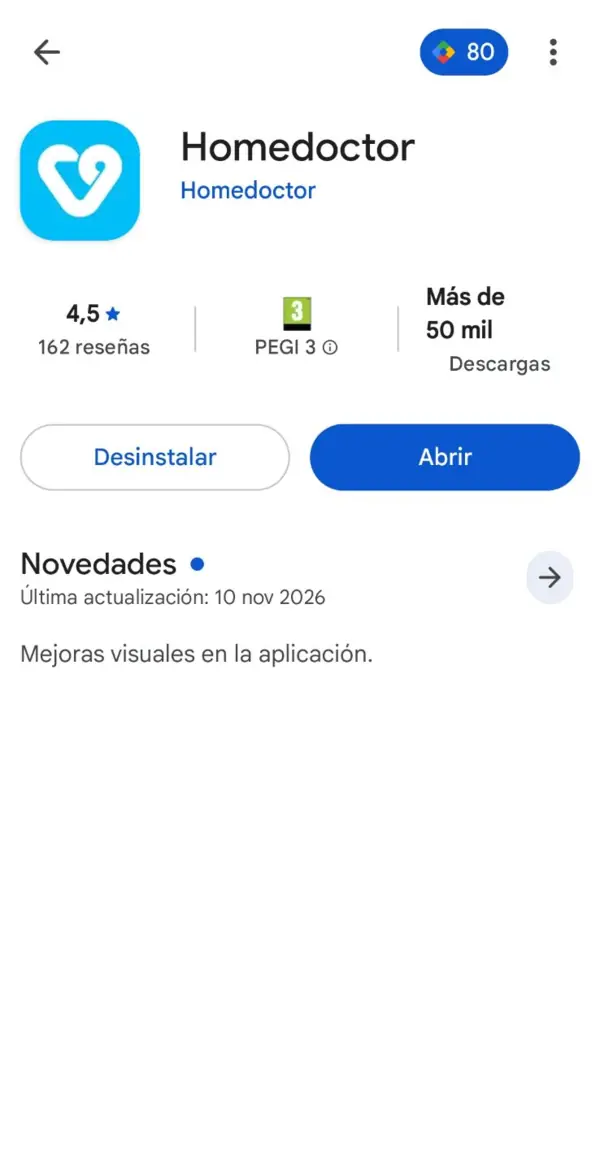
Download the app
Download the app for iOS or Android by tapping any of these links.
Log in
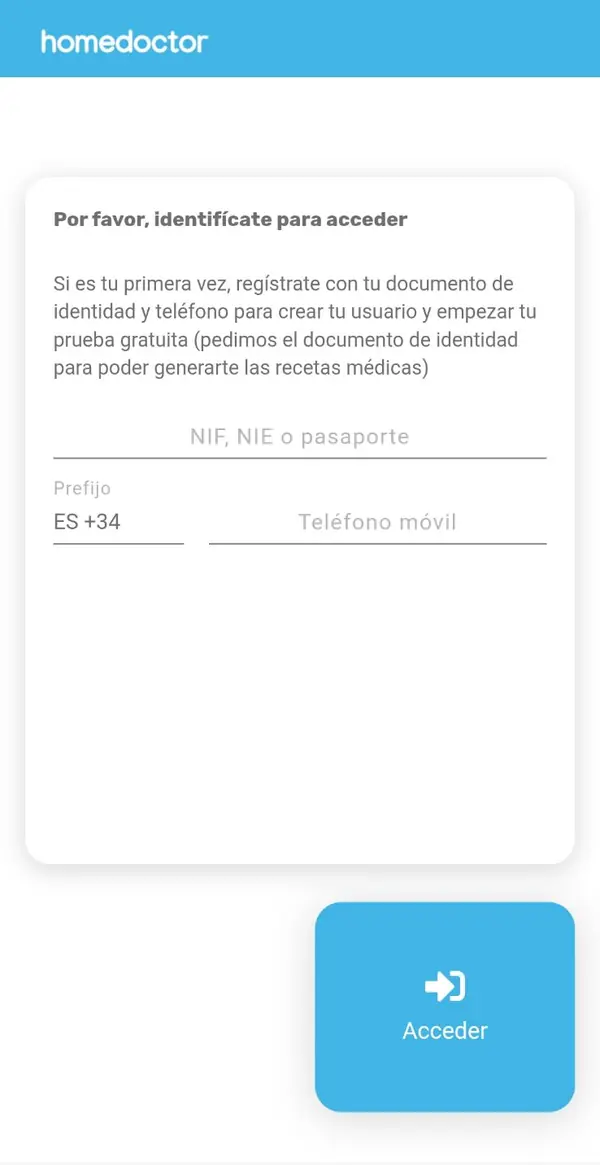
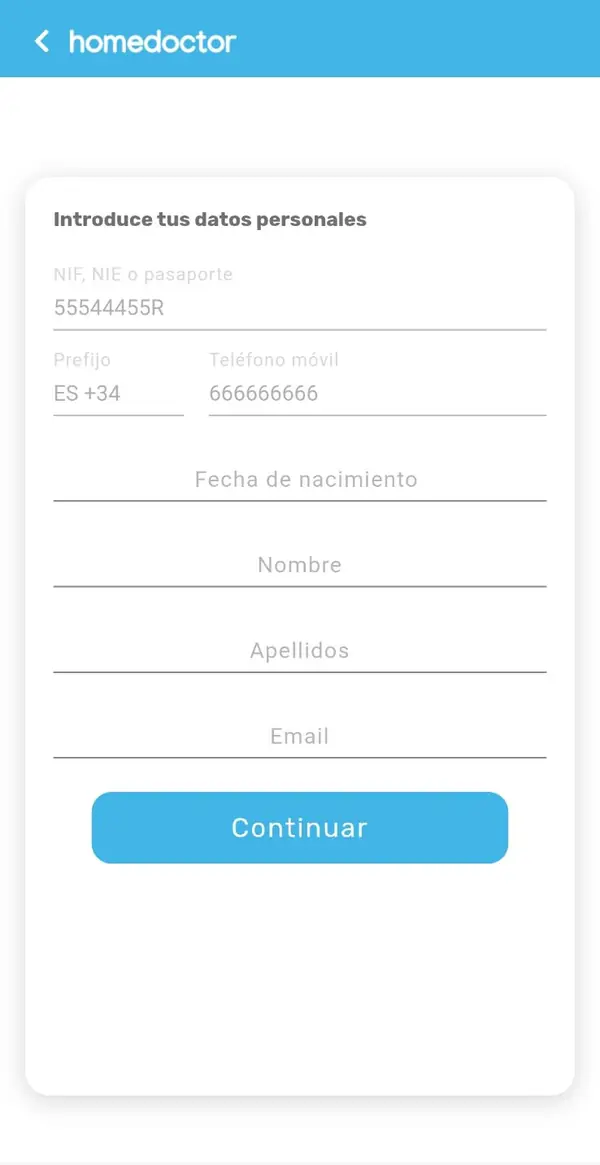
The app will ask for your phone number and ID document to check whether you are already registered. We know giving your ID is a bit of a nuisance, but it’s important to keep your health data safe and so that the doctor can give you a prescription that is valid at the pharmacy.
If you weren’t registered before*, it will ask you to enter your first name, surname, date of birth, phone number and email.
* You are already registered if you signed up before, bought online or were added by another user to their subscription.
Verification
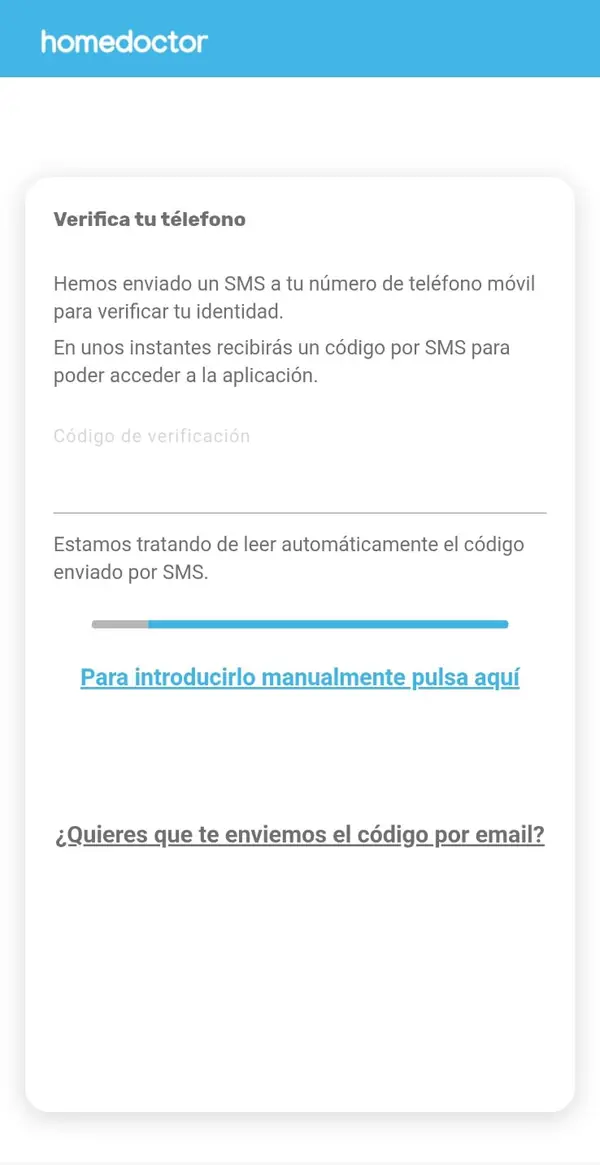
Security comes first. We will send you a code by SMS to verify your phone number.
Security
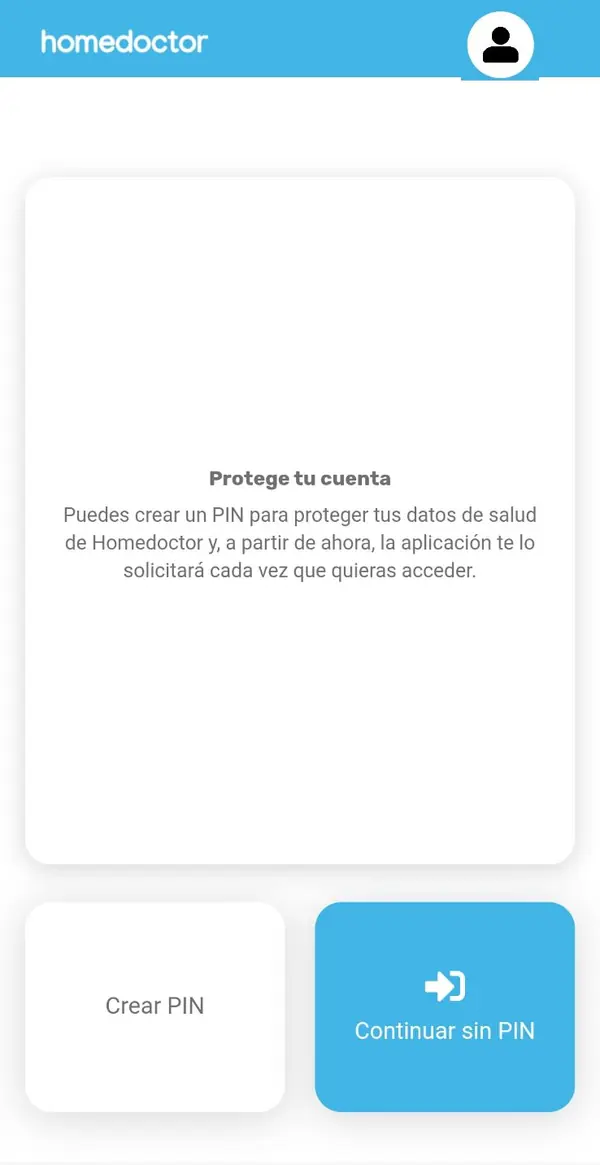
Do you want to protect your information with a PIN? Then tap “Crear PIN”. If you don’t mind others getting into your phone, you can continue without a PIN.
If you prefer, you can link access to your fingerprint or face so you don’t have to remember your PIN in the future.
Promotional code
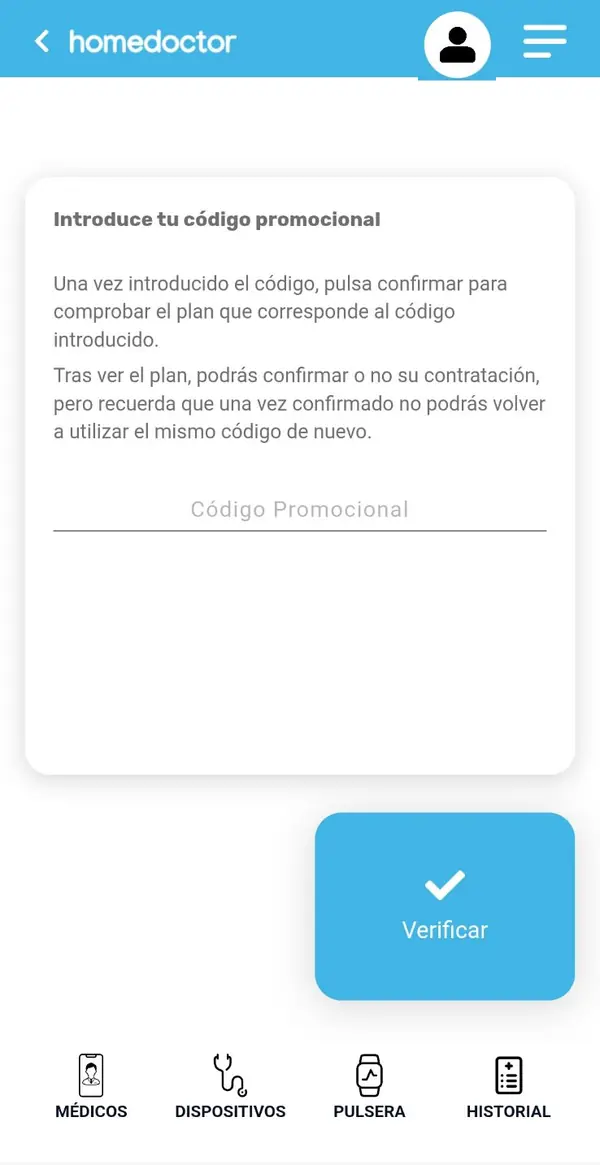
Are you going to use the services or see your measurements and the app asks for a promotional code? Don’t worry: you should have received that unique code by SMS when you made your purchase. That’s it. If you can’t find it, write to us at info@homedoctor.es and we’ll sort it out right away.
Enjoy
Enjoy online medicine connected to your devices. Measure your health whenever you want and talk to a doctor if you have any question about your health or about the results of your measurements.