How to use homedoctor: medical services
See how quick it is to talk to a doctor, book an appointment with your personal doctor or see a specialist.
In an emergency, call 112.
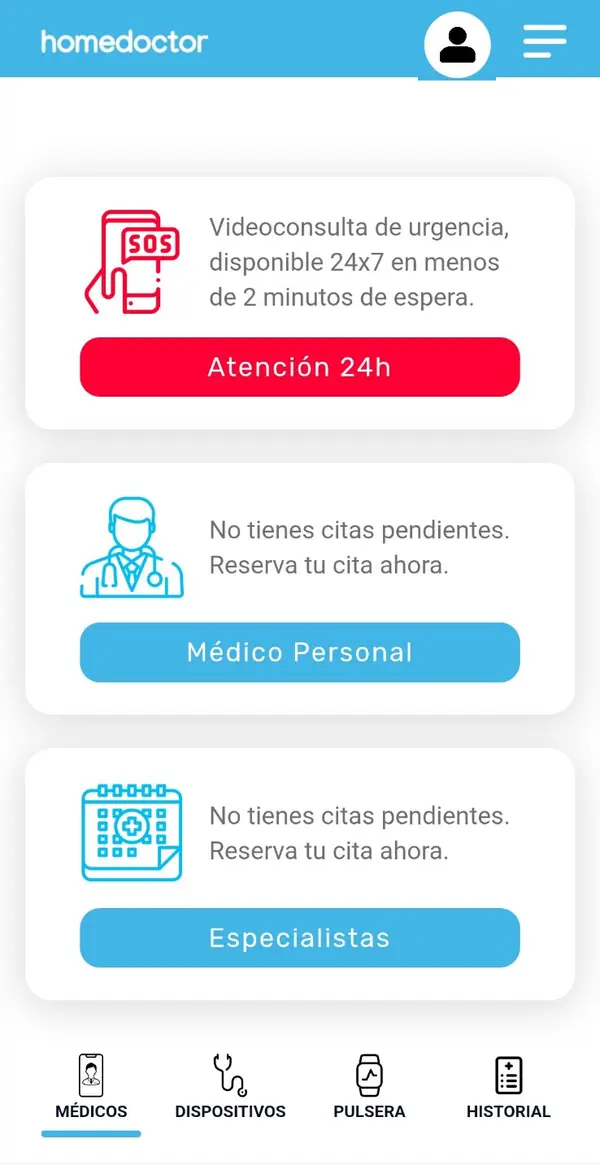
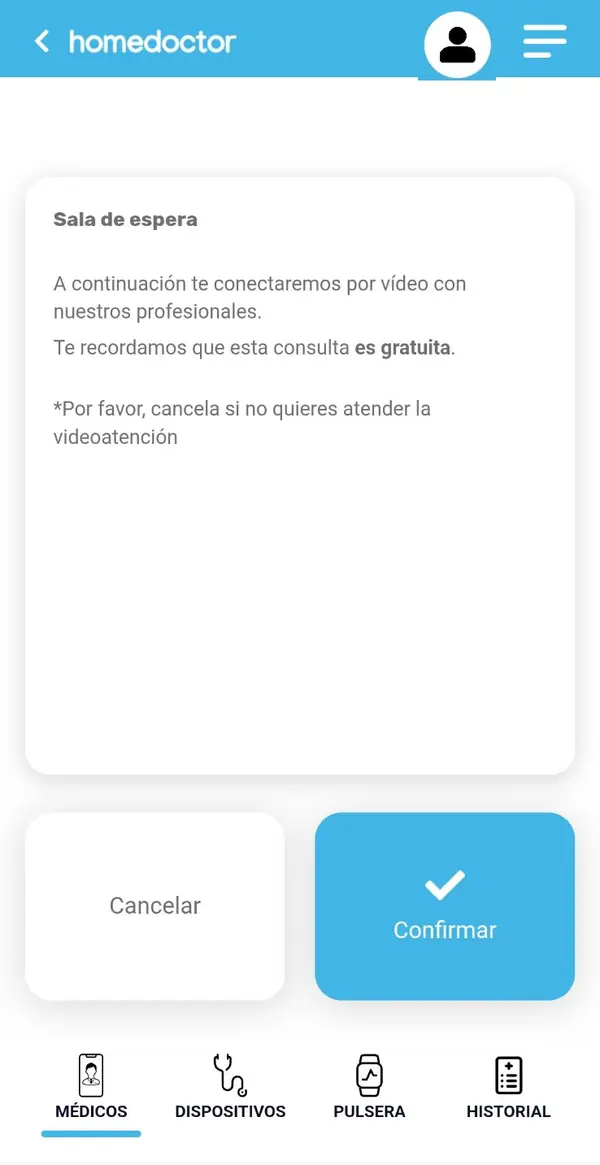
24-hour doctor
- Open the homedoctor app.
- Tap the “Atención 24h” button.
- Tap “Confirmar”.
Personal doctor
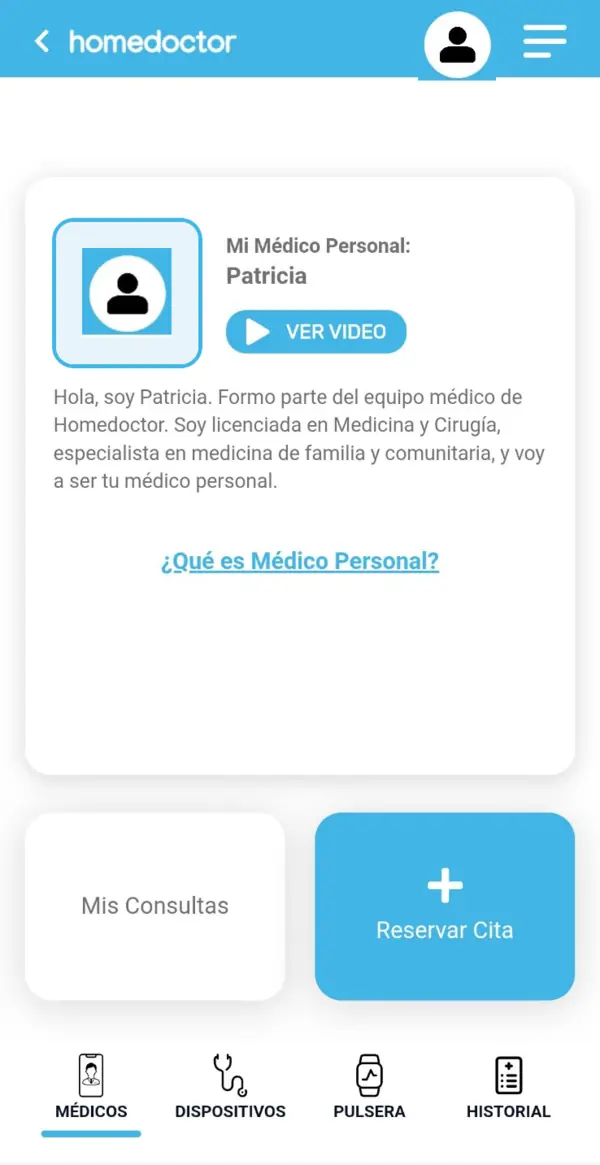
- Open the homedoctor app.
- Tap the “Médico Personal” button.
- Tap “Reservar Cita”.
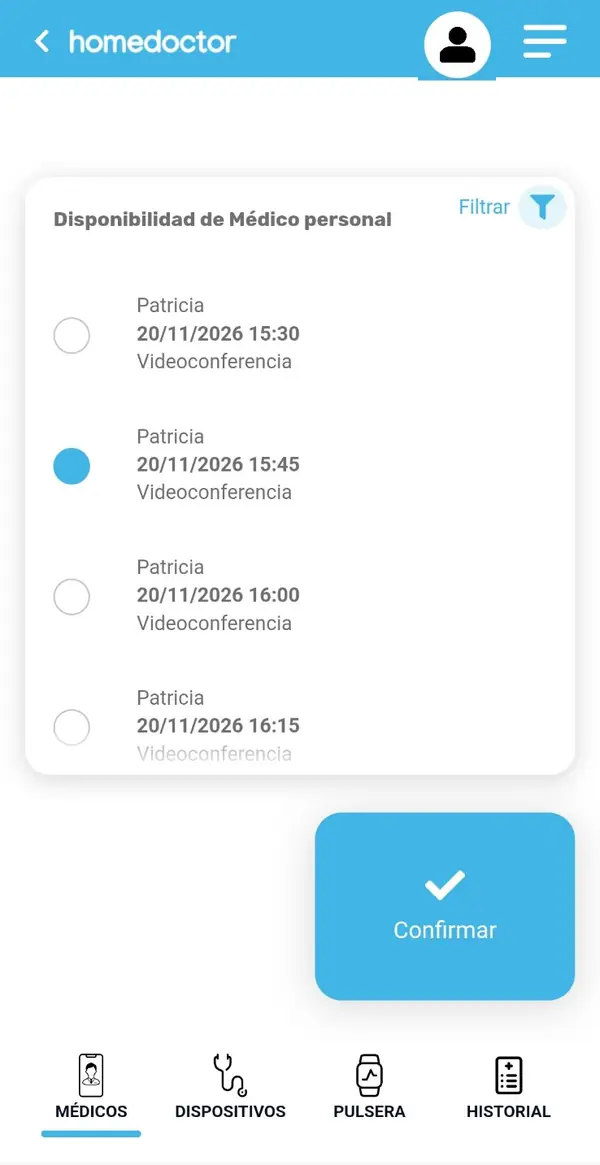
- Choose a time slot.
- Tap “Confirmar”.
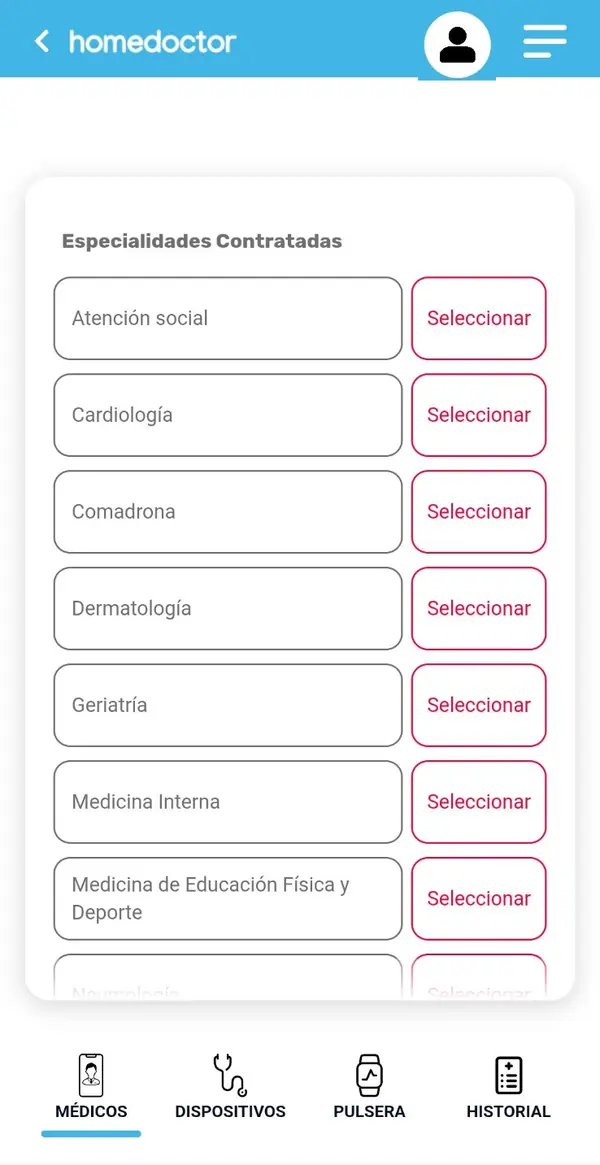
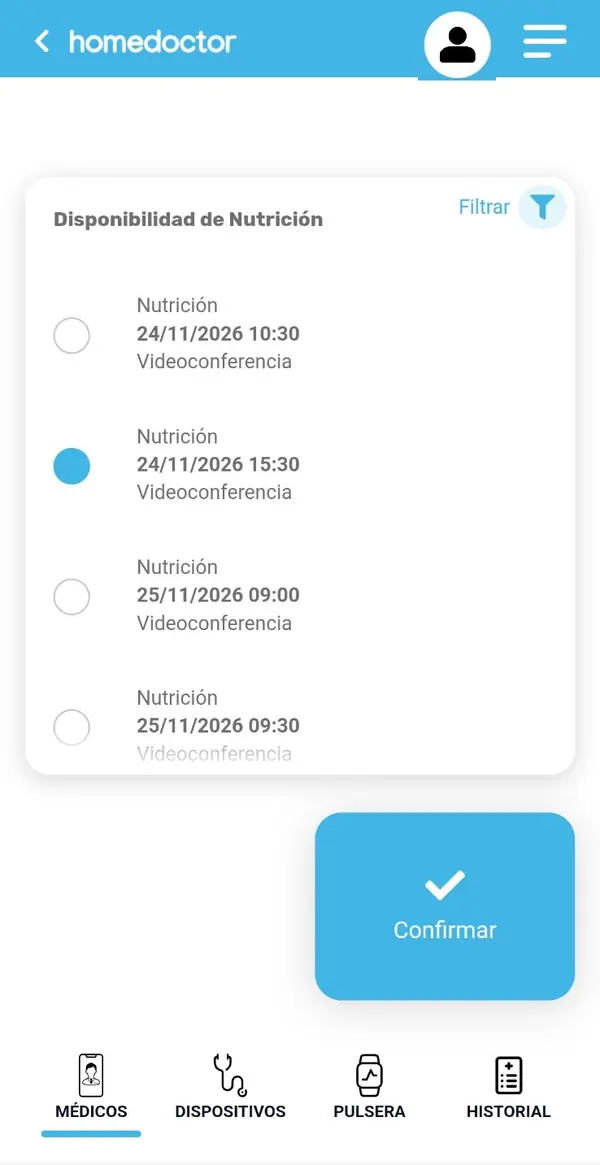
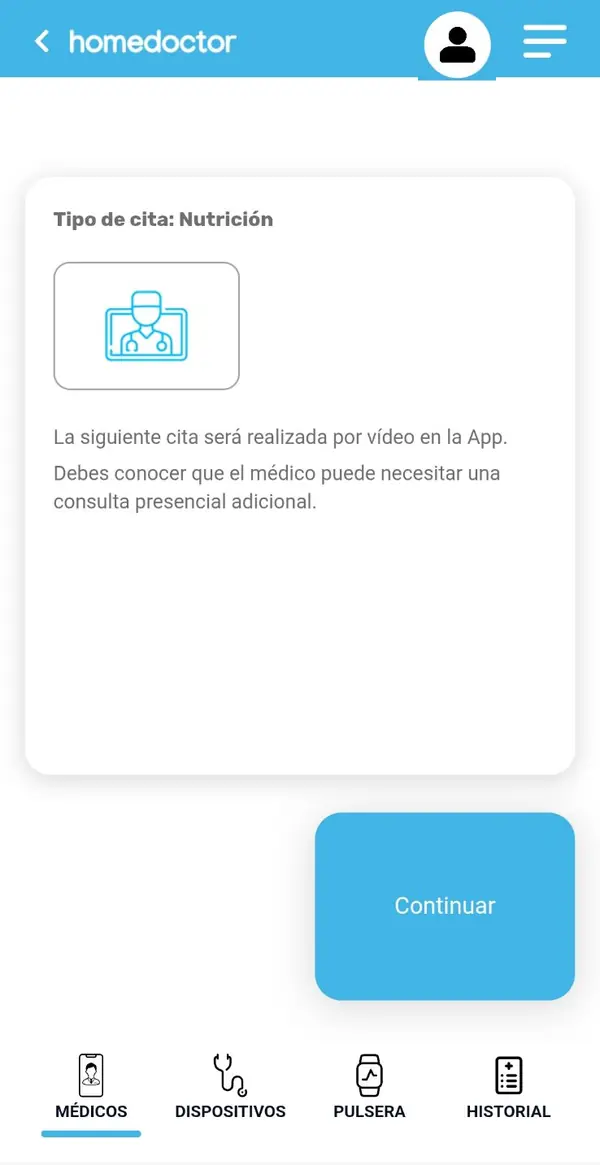
Specialists
- Open the homedoctor app.
- Tap the “Especialistas” button.
- Choose the specialty.
- Choose a time slot.
- Tap “Confirmar”.